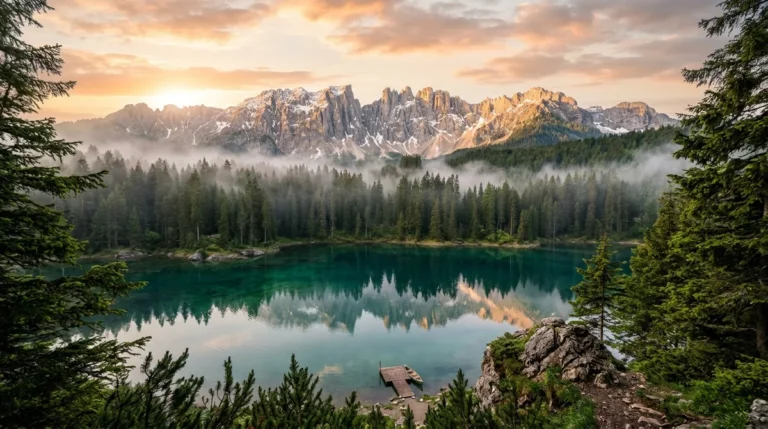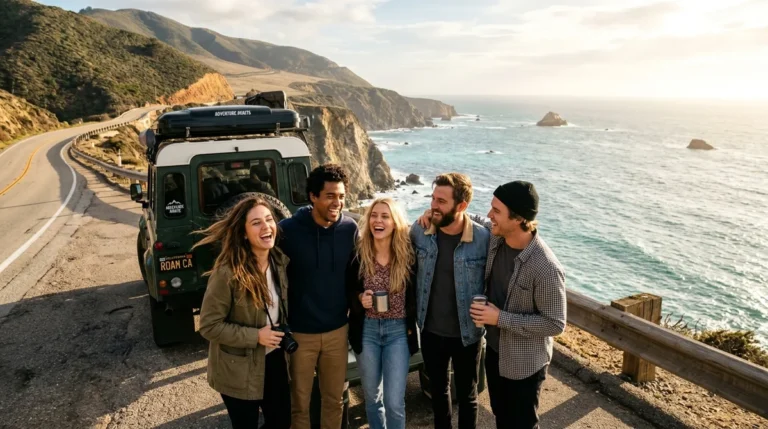
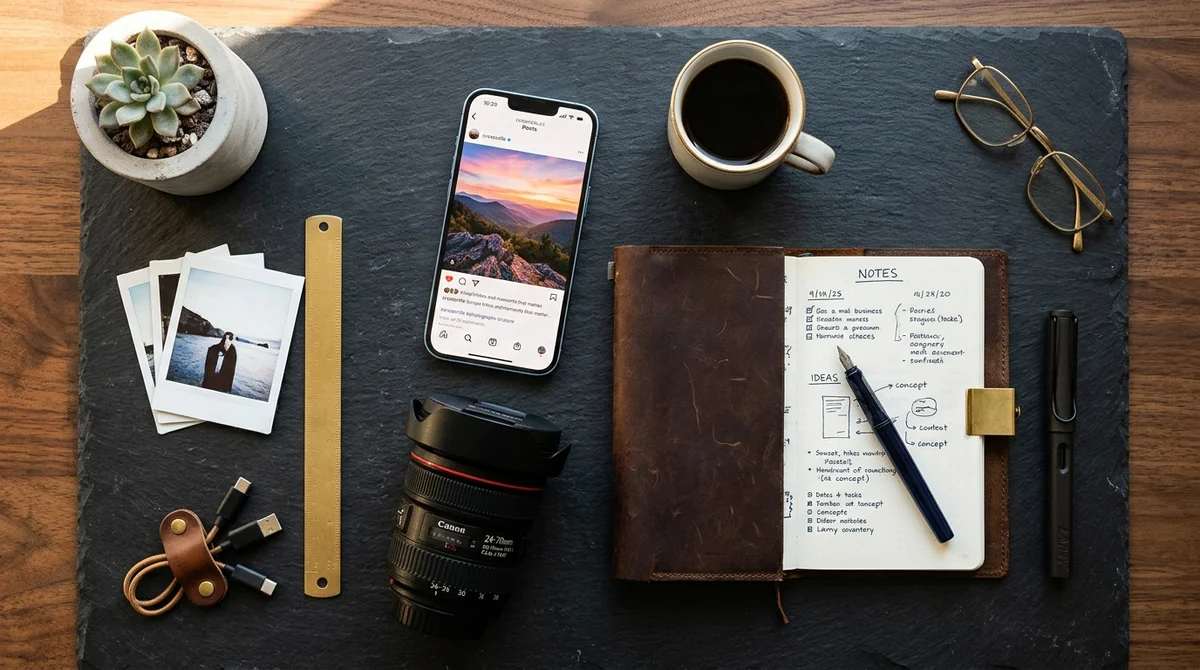
An AI image to Instagram caption generator analyzes the visual elements of your photo (including facial expressions, background scenery, lighting temperature, and dominant colors) to generate high-engagement captions and targeted hashtag groups. Rather than staring at a blinking cursor or resorting to stale quotes, mobile AI tools like Captions Hashtags for Photos on iOS write scroll-stopping hooks in seconds while matching your exact aesthetic tone.
Photo Scene & Vibe Caption Generator
Tap your photo subject and caption tone to instantly generate 3 high-converting captions and curated hashtags.

Captions & Hashtags for Photos
Skip manual guessing. Let AI scan your camera roll photos directly on iPhone to generate customized viral captions and smart hashtag formulas in seconds.

Why Instagram Captions Matter More in 2026 Than Ever Before
For years, creators treated captions as an afterthought. You posted an emoji, tossed thirty unrelated hashtags into the first comment, and called it a day. In 2026, that strategy hurts your reach.
Instagram's algorithm now relies heavily on Caption SEO and Semantic Keyword Search. The recommendation engine parses the words in your caption to index your post for Search, Explore, and suggested Feeds. A weak caption leaves your photo invisible to people searching for your niche.
Here is what the algorithm actually measures when deciding whether to push your post:
- The 125-Character First Impression: Instagram truncates captions with a "...more" button after 125 characters on mobile feeds. If your opening line is boring, users scroll past without tapping. A compelling hook boosts dwell time and triggers engagement signals.
- Dwell Time on Feed: The longer a user stops their thumb to read your caption or carousel slide, the higher Instagram scores your post's quality. Punchy, multi-line formatting keeps eyes glued to your content.
- Comment Quality over Quantity: When your caption ends with a natural, conversational question rather than generic marketing speak, followers leave real multi-word replies. The algorithm treats meaningful discussion as high-value proof.
The 5 Best AI Image to Caption Apps in 2026 (Reviewed)
We tested leading computer vision generators and dedicated social tools across speed, tone versatility, and hashtag accuracy:
1. Captions Hashtags for Photos (Best Dedicated iOS App for iPhone)
Captions Hashtags for Photos is our top pick for iPhone and iPad creators. Available directly on the App Store, the app connects vision intelligence with curated social databases. Upload any selfie, travel shot, food plate, or outfit check, and it generates multiple tone variations alongside trending hashtags that match the visual composition of your picture. It eliminates blank-screen anxiety and saves creators hours of drafting time.
2. ChatGPT Vision (Best for Long-Form Storytelling & Carousel Micro-Blogs)
If you run a photography blog, education page, or business brand that demands paragraph-long storytelling, uploading your image to ChatGPT produces rich contextual prose. You can instruct the model to adopt a specific brand voice, weave personal vulnerability into the copy, and format bullet-point takeaways.
3. Copy.ai (Best for E-Commerce Product Launches & Brand Ads)
For small business owners selling physical goods on Instagram Shop, Copy.ai specializes in direct-response marketing formulas. It produces captions using frameworks like AIDA (Attention, Interest, Desire, Action) and PAS (Problem, Agitate, Solve), turning photo uploads into clear promotional copy with calls to action.
4. Flick AI (Best for Hashtag Metrics & Niche Competition Scores)
Flick pairs an AI copywriting assistant with heavy-duty hashtag analytics. It checks the post volume, potential reach, and competition level of suggested tags, preventing you from targeting dead or shadowbanned tags that bring zero organic discovery.
5. Later Social AI Caption Writer (Best for Multi-Platform Scheduling)
If you schedule weeks of content in advance, Later integrates AI caption creation directly into its visual calendar. Once your photo is uploaded, the tool drafts alternative captions for Instagram, TikTok, Facebook, and Pinterest simultaneously.
AI Caption Tools Compared: Features, Speed & Pricing
Here is how the leading caption and hashtag generators compare for creators and social teams:
| Tool / App | Best For | Key Strength | Platform / Price |
|---|---|---|---|
| Captions Hashtags for Photos | Instant Photo Captions on iOS | 1-tap vision scan with tailored hashtag sets | iOS (iPhone/iPad) • Free tier available |
| ChatGPT Vision | Long-form Storytelling | Deep scene comprehension and brand voice tuning | Web / iOS / Android • Free / $20/mo |
| Copy.ai | E-commerce Product Ads | AIDA and PAS marketing frameworks built-in | Web • Freemium |
| Flick AI | Hashtag Competition Analytics | Filters low-competition, high-traffic tag clusters | Web / Mobile • Paid subscription |
| Later AI | Batch Scheduling | Cross-posts captions across IG, TikTok, and Pinterest | Web / Mobile • Freemium |
The 2026 Hashtag Rule: 3 to 5 Targeted Tags Beat 30 Spam Tags
A few years ago, filling all thirty allowed hashtag slots was common practice. Today, Instagram leadership has confirmed that three to five highly relevant hashtags perform significantly better than thirty generic ones.
When you dump thirty broad tags like #love, #instagood, #happy, #photooftheday under your post, two bad things happen: your post is immediately buried in millions of bot uploads, and the recommendation system cannot figure out who your target audience really is.
Instead, structure your hashtag cluster into three tight tiers:
- 1-2 Niche Subject Tags: Describe the exact topic of the photo (e.g.,
#flatwhitecoffee,#dolomiteshike,#vintagedenimjacket). - 1-2 Aesthetic or Community Tags: Connect with specific visual tribes (e.g.,
#neutralstreetwear,#cozycoreaesthetic,#filmisnotdead). - 1 Location or Creator Tag: Anchor your post to a city, regional community, or personal creator signature.
Explore More AI Creative & Social Utilities
Level up your social media presence with more interactive tools across Quizrrito:
- Bio & Font Styling: Make your bio stand out using our Freaky Font Generator and Brat Font Generator.
- Avatar & Sticker Creation: Turn selfies into cartoon stickers with our AI Sticker Design Guide.
- Hairstyle Try-On: Preview salon haircuts before your photoshoot with the 7 Best Hairstyle AI Apps.
- Anime Photo Effects: Convert vacation photos into Studio Ghibli art using our Ghibli Style Converter.
- Quizrrito iOS Hub: Explore our complete suite of photo tools on the Quizrrito iOS Apps Hub.
Frequently Asked Questions About AI Caption Generators
How does an AI generate captions from a photo?
Modern caption apps use multimodal neural networks. An image encoder breaks down visual pixels into spatial feature tokens (detecting objects, lighting, colors, and human expressions), which are then translated into natural language by a fine-tuned social media language model.
Do hashtags still work on Instagram in 2026?
Yes, but their role has shifted. Instead of boosting posts to millions of strangers, hashtags now act as categorical topic signals for the search algorithm. Using 3 to 5 hyper-specific niche hashtags helps Instagram show your content to the exact users interested in your topic.
Where should I place hashtags: in the caption or the first comment?
Instagram's search team has confirmed that hashtags placed directly in the main caption are indexed faster by the search algorithm. Leaving a blank line break after your main text and placing your tags at the bottom of the caption is the most effective approach.