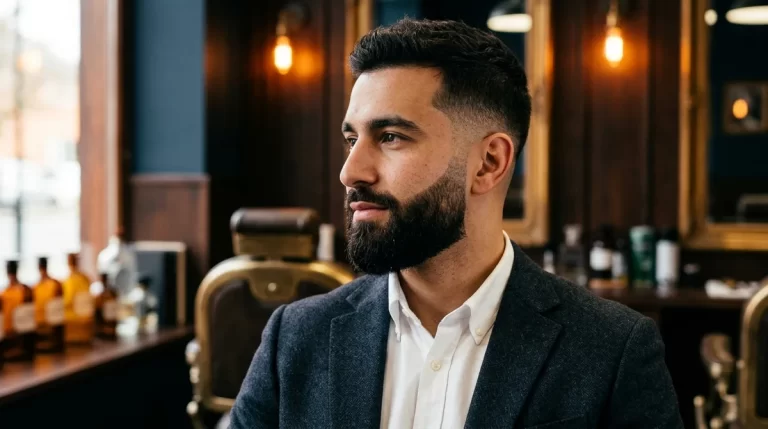
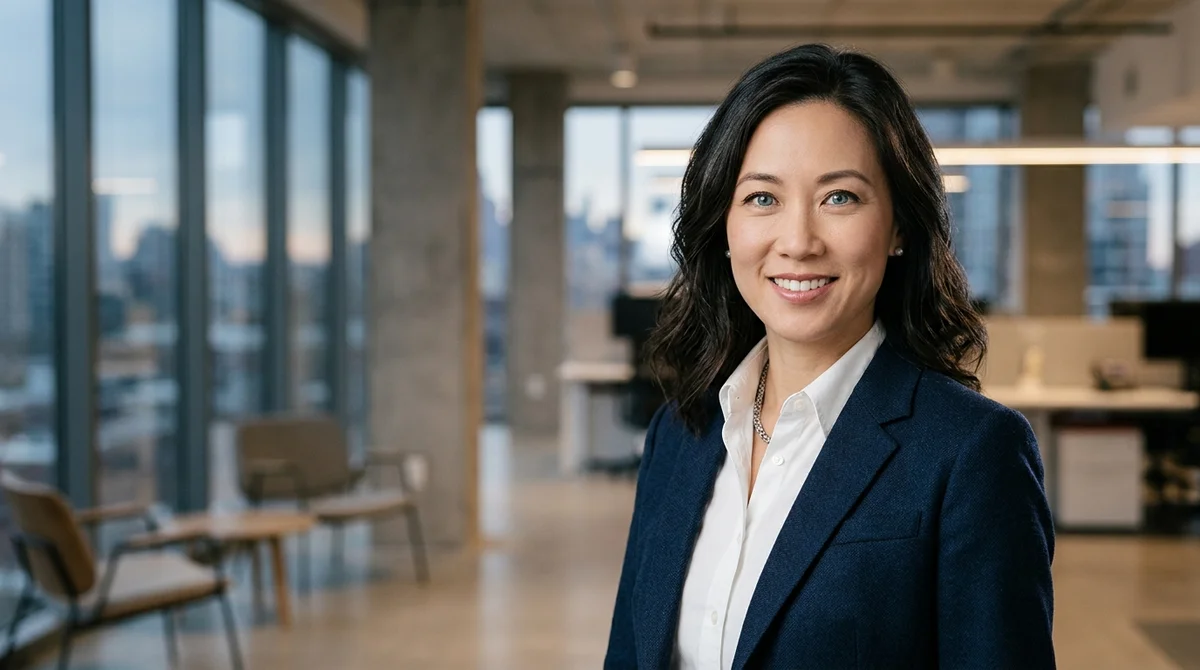
An AI professional headshot prompt generator formulates exact optical, wardrobe, and studio lighting instructions for modern AI models like ChatGPT, Gemini, and FLUX to transform everyday casual photos into executive corporate headshots. By specifying tailored industry attire, classic Rembrandt lighting, and 85mm prime lens characteristics, professionals can create studio-grade LinkedIn avatars in seconds without booking costly studio sessions.
AI Professional Headshot Prompt Studio
Configure your industry wardrobe, studio backdrop, and lighting setup to generate 1-click corporate headshot prompts for ChatGPT, Gemini, and FLUX.

Caricature Maker: Toon Me Art
Need creative avatars or styled profile pictures? Transform your selfies into artistic caricatures, 3D cartoons, and illustrated avatars with 1 tap on iPhone.

Why Professionals Are Switching to AI Studio Headshots
Booking a commercial portrait photographer typically involves weeks of scheduling, studio rental fees, professional wardrobe styling, and post-production retouching costs exceeding several hundred dollars. For remote workers, job seekers, and founders needing updated profile pictures across LinkedIn, company websites, and conference speaker bios, traditional photography is both slow and expensive.
Modern diffusion and vision models can generate indistinguishable corporate portraits when given precise optical parameters. The key is avoiding plastic, overly smoothed skin. By directing models to render natural pore texture, subtle fabric weaves, and authentic corneal catchlights, you achieve high-trust imagery that preserves executive credibility.
If you want to map your existing portrait onto completely different cinematic bodies or professional styles, read our complete tutorial on How to Face Swap with AI, or benchmark your prompts on the FLUX AI Image Generator.
Industry Wardrobe & Lighting Compatibility Matrix
Different professional sectors convey authority through distinct wardrobe conventions and environmental tones. Review this industry guide to choose the optimal style for your career profile:
| Industry / Role | Recommended Wardrobe | Optimal Backdrop | Key Lighting Style |
|---|---|---|---|
| Corporate & Finance | Tailored charcoal suit, crisp white dress shirt, silk tie | Architectural office loft with city skyline bokeh | Rembrandt 48-inch softbox key with subtle fill |
| Tech Founder & Engineer | Dark merino wool crewneck, minimalist smart frames | Modern co-working space with white oak accents | Diffused natural morning window daylight |
| Creative & Agency | Unstructured navy linen blazer over clean black tee | Urban limestone architecture with botanical bokeh | Directional editorial chiaroscuro contrast |
| Healthcare & Medicine | Crisp white tailored lab coat over navy scrubs | Neutral textured studio grey cyclorama | Clean high-key shadowless commercial light |
| Legal & Real Estate | Classic dark navy blazer, spread-collar shirting | Scholarly executive library with dark walnut shelves | Warm executive portrait lighting with gentle rim fill |
How to Convert Casual Selfies into Studio Headshots
To produce an AI corporate headshot that preserves your actual facial likeness and bone structure, follow this proven two-step creator workflow:
Step 1: Upload a Clean Reference Photo. In multimodal models like ChatGPT, Gemini, or Grok, upload a sharp, front-facing casual photo taken in even daylight. Ensure your face, eyes, and natural smile are clear with no heavy beauty filters.
Step 2: Prepend the Facial Likeness Directive. Copy the chatbot prompt generated by our studio above and add this prefix: “Using the facial likeness, facial bone structure, eye shape, and smile from this uploaded photo, generate a professional corporate headshot of this person…” The AI engine will lock your facial identity while replacing your casual clothes and background with executive attire and studio lighting.
Frequently Asked Questions
Which AI model generates the best professional headshots?
FLUX offers extraordinary micro-level skin texture, preventing the artificial plastic look common in older generators, while ChatGPT excels at following nuanced wardrobe and background instructions.
What camera settings make AI portraits look authentic?
Specifying an 85mm prime lens at f/2.8 creates natural facial compression with flattering proportions and gentle background separation without optical distortion.
Are AI-generated headshots acceptable on LinkedIn?
Yes, provided the headshot accurately represents your current facial appearance, hairstyle, and professional industry standards.