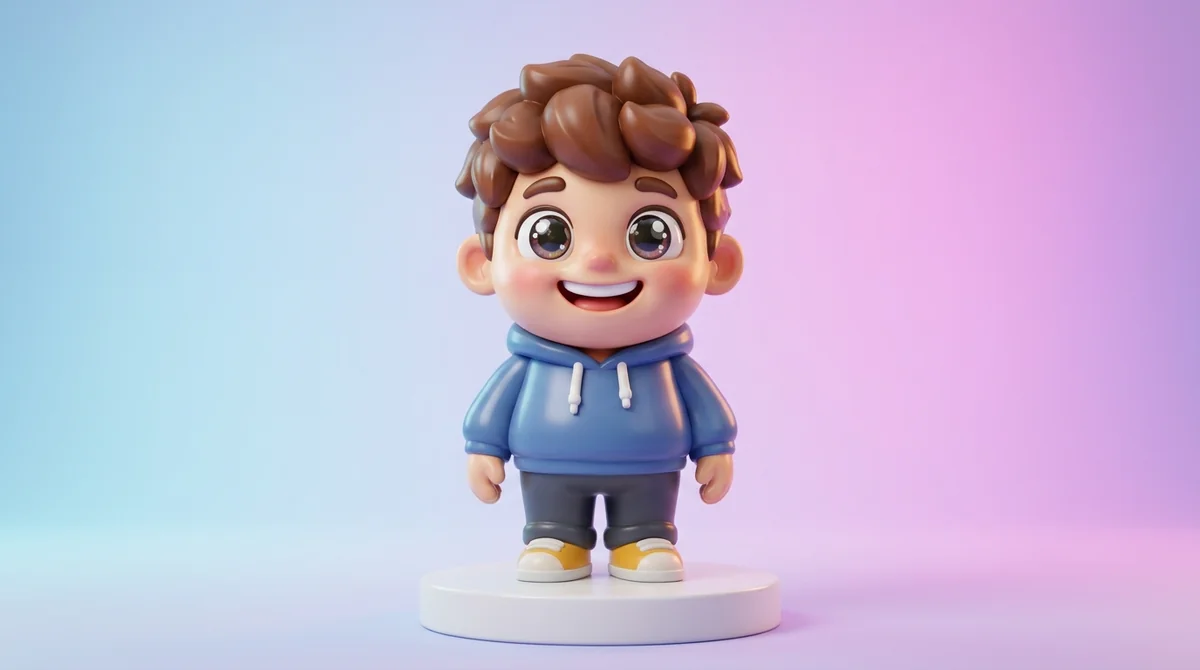
An AI caricature generator turns everyday selfies into humorous, exaggerated cartoon portraits. It spots your distinctive features (a wide smile, arched eyebrows, or a sharp jawline) and magnifies them with comedic flair. Whether you want a glossy 3D vinyl bobblehead, a retro comic illustration, or an anime chibi avatar, these tools generate custom art in seconds.
Turn Photos into Caricatures or Generate New Avatars
Convert your selfies using free AI chatbots (ChatGPT, Google Gemini, Grok) or generate custom exaggerated character portraits with FLUX 3.

Caricature Maker: Toon Me Art
Prefer instant conversion on your iPhone without prompts? Turn any selfie into 3D vinyl and comic avatars in 1 tap.

How AI Turns Selfies into Humorous Caricatures: The Underlying Tech
Unlike traditional mobile photo filters that simply paste comic textures over an image, true AI caricature generators employ convolutional neural networks (CNNs) and diffusion models to deconstruct and re-render facial anatomy:
- Facial Landmark Mesh Mapping: The AI identifies over 100 biological anchor points, evaluating the distance between your pupils, the width of your smile, forehead height, and chin angle.
- Feature Salience & Exaggeration: Street artists naturally pick out a person’s most unique physical attribute (such as expressive eyes, a wide grin, or voluminous curls) and magnify it. The AI mimics this artistic instinct by scaling these prominent vectors while compressing secondary features.
- Style Transfer & Lighting Synthesis: Once the exaggerated caricature geometry is formed, the neural model re-renders the portrait using your chosen aesthetic, such as glossy 3D vinyl toy surfaces, alcohol-marker street sketching, or retro comic ink hatching.
The 7 Best AI Caricature Generators in 2026 (Free & Paid)
Whether you need a custom profile picture for Instagram, a personalized gift, or a YouTube channel avatar, these 7 AI caricature makers deliver top-tier comic quality:
1. Caricature Maker: Toon Me Art (Top Pick for iOS)
Caricature Maker: Toon Me Art is our top pick for iPhone and iPad. It holds a 4.0-star rating across 88+ App Store reviews and turns selfies into hilarious caricatures in under 5 seconds, with no complex prompt engineering needed. With presets like 3D Vinyl Toy, Big Head Bobblehead, Comic Pop, and Street Sketch, it’s perfect for profile avatars, social stories, and custom stickers.
2. Midjourney v7 / FLUX 3 (Best for Professional 3D Vinyl & Editorial Art)
Midjourney v7 / FLUX 3 offers unparalleled visual richness for creators who want museum-grade comic illustrations. By prompting for “exaggerated caricature, 3D vinyl figurine style, subsurface scattering, pop art colors”, Midjourney produces intricate character designs with studio-level depth and lighting.
3. Fotor AI Caricature Maker (Best for Online Web Browsers)
Fotor provides a straightforward cloud-based cartoonizer tool that lets desktop users upload a headshot and test multiple caricature intensities directly within a web browser without installing mobile software.
4. Media.io Cartoonizer (Best for Fast Avatars)
Media.io excels at quick cartoon transformations for both images and short video clips, utilizing automated background removal so your caricature is ready for sticker packs or video overlays.
5. Phot.ai Cartoon Studio (Best for Stylized Preset Filters)
Phot.ai offers specialized caricature templates designed for gamers and streamers looking to create cartoon representations of themselves holding gaming peripherals or wearing cosplay armor.
6. ToonMe (Popular Cross-Platform Cartoon Filter)
A viral favorite on TikTok and Instagram, ToonMe transforms user portraits into stylized Disney-like cartoons and vector illustrations across both iOS and Android devices.
7. ChatGPT Plus / GPT Image 2 (Best for Complex Storytelling Prompts)
With ChatGPT Plus, you can describe elaborate situational caricatures (such as a lawyer surfing on giant law books or a chef juggling flying pizzas) and receive custom illustrations with witty background narrative details.
Popular Caricature Styles & Tested Prompt Formulas
Adapt these tested prompt formulas for Midjourney, ChatGPT, or FLUX to capture specific caricature aesthetics:
| Aesthetic Style | Defining Visual Traits | Tested Prompt Syntax |
|---|---|---|
| 3D Vinyl Toy / Pixar | Glossy plastic textures, smooth subsurface scattering, friendly rounded geometry | 3D vinyl toy figurine caricature of a cheerful woman with curly hair wearing glasses, oversized expressive head, glossy plastic texture, studio softbox lighting, 8k --ar 1:1 |
| Big-Head Bobblehead | Tiny comedic body, gigantic expressive head, high-contrast pop art colors | Exaggerated bobblehead caricature of a businessman holding a laptop, gigantic head, tiny body, energetic caricature art, clean white background, vector pop art style |
| Vintage Editorial Satire | Cross-hatch ink shading, New Yorker / Mad Magazine classic aesthetic | Vintage satirical editorial caricature illustration, cross-hatching ink linework, witty facial expression, warm sepia paper background, classic 1970s magazine art |
| Anime Chibi | Large twinkling eyes, simplified facial geometry, pastel cel shading | Cute chibi caricature portrait of a gamer wearing neon headphones, oversized anime eyes, expressive smile, vibrant cel-shaded illustration, kawaii aesthetic |
| Street Artist Marker | Quick alcohol marker gradients, bold dynamic black contour lines | Live theme-park street artist marker sketch caricature, rapid colored marker strokes, bold Sharpie outlines, dynamic comic exaggeration, textured drawing paper |
3 Tips for Creating Great AI Caricatures
- Choose Expressive Selfies: Blank passport-style photos result in muted, boring caricatures. Pick photos where you are smiling broadly, winking, or showing dynamic emotion to give the neural network distinctive curves to exaggerate.
- Include Fun Personal Props: Great caricatures tell a personal story. Describe or include props that define you, such as holding an acoustic guitar, wearing chef hats, or holding coffee mugs.
- Balance Exaggeration vs. Likeness: If the result no longer looks like you, lower the exaggeration intensity slider in tools like Caricature Maker to maintain an authentic likeness.
Explore More Creative AI Generators
Continue enhancing your digital photography and creative design workflows:
- Hair & Makeover AI: Test 70+ salon haircuts on your selfie in our 7 Best Hairstyle AI Apps Guide.
- Face Transformations: Learn realistic face replacement techniques in our Complete How to Face Swap Guide.
- Anime Art Styling: Transform photos into lush hand-painted backgrounds with our Studio Ghibli AI Prompt Generator.
- Tattoo Art & Stencils: Create custom flash stencils with our 7 Best AI Tattoo Generators Guide.
- Mobile Apps Hub: Download all of our iPhone and iPad creative apps at the Quizrrito iOS Apps Collection.
Frequently Asked Questions About AI Caricatures
What is the best free AI caricature maker app for iPhone?
Caricature Maker: Toon Me Art is rated 4.0 stars on the iOS App Store and is among the fastest free apps to turn selfies into hilarious cartoon caricatures and 3D avatars in seconds without complex prompts.
Can I turn pet photos into AI caricatures?
Yes. Many modern AI models detect canine and feline facial landmarks, allowing you to generate hilarious big-eared or toothy caricatures of your dogs and cats dressed in superhero capes or royal outfits.
Can I use AI caricatures for commercial YouTube or podcast logos?
Yes. AI-generated caricatures are widely used for YouTube channel branding, podcast cover art, social media avatars, and custom merchandise. Always review the export terms of the specific app you use.
What is the difference between a cartoon avatar and a caricature?
A cartoon avatar is a simplified, stylized representation that may look generic or idealized. A caricature deliberately exaggerates your unique real-world features (such as your smile, eyebrows, or jaw) to create comedic recognition while preserving an unmistakable likeness.